Is the Shopify Dawn Theme Still Supported in 2026?
With the release of Horizon in Shopify Editions of Summer 2025, what is the state of Dawn as of 2026?
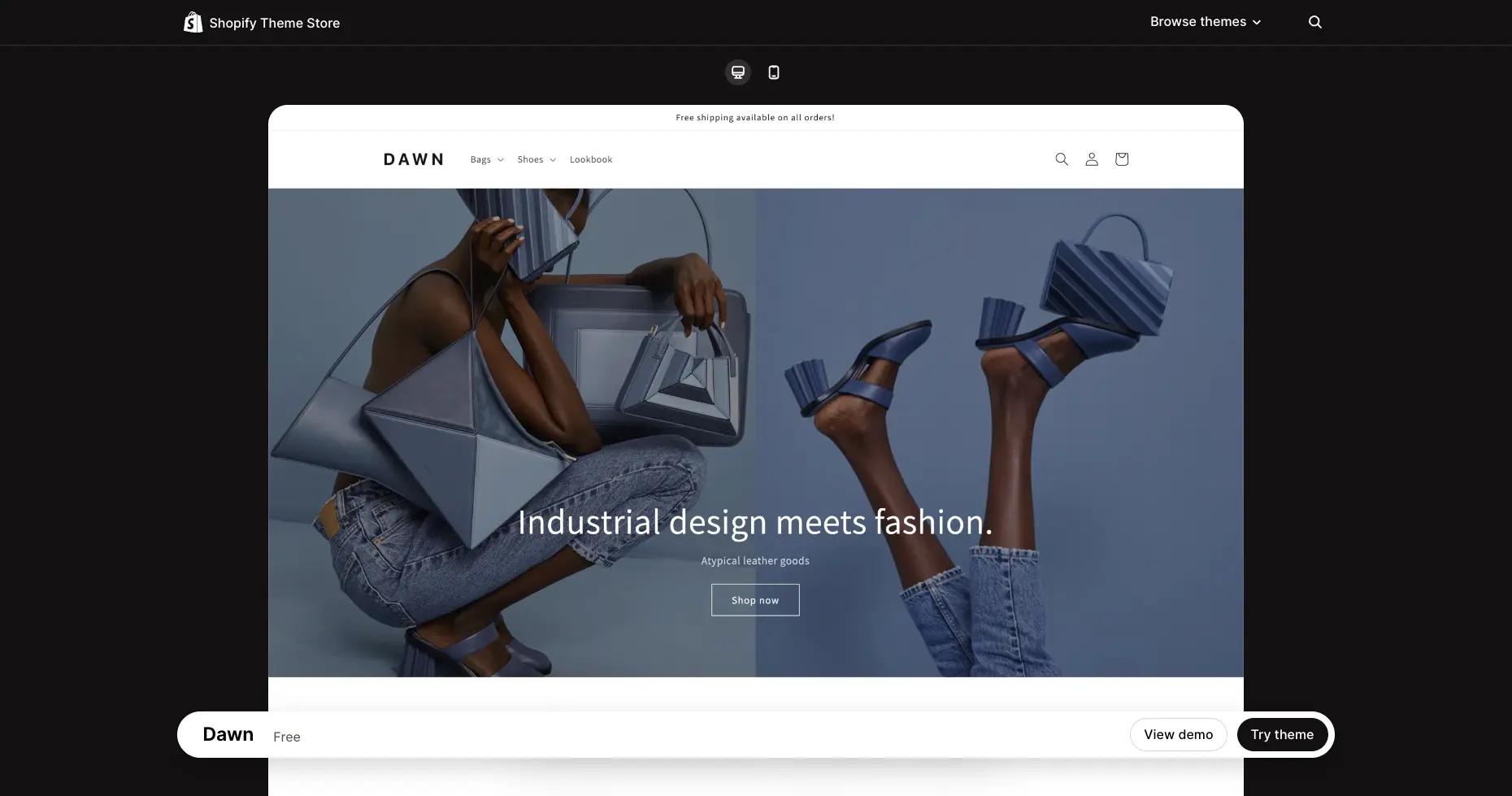
In mid-2021, alongside the launch of Online Store 2.0, Shopify released Dawn to the public. Since then, Dawn has been the starting point for countless stores across the platform as the theme is free and also maintained by Shopify, which ensures it makes the most out of everything Shopify has to offer while keeping the theme lightweight and in line with Shopify’s philosophy.
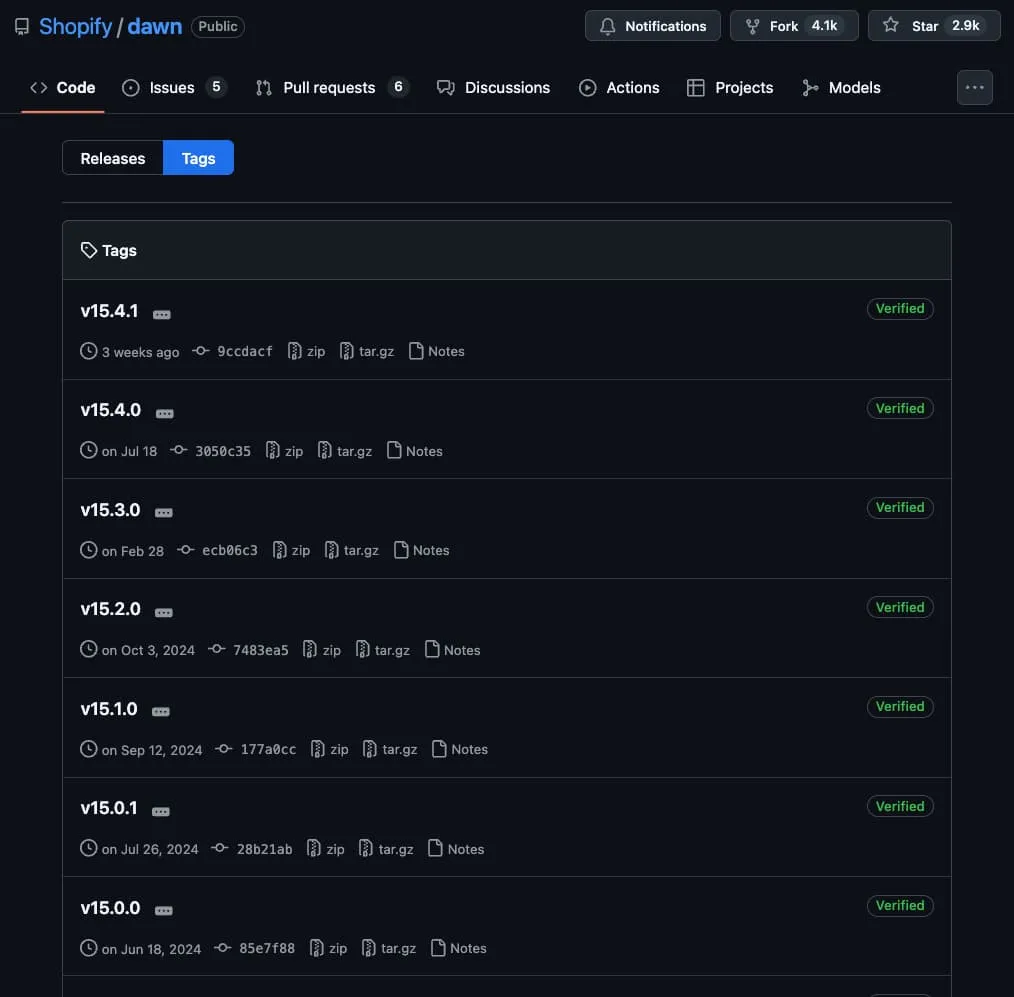
It didn’t just stay there, as Shopify kept updating the theme consistently, making sure it supported its latest features as they got introduced such as extended variants and swatches, both of which have been introduced in the years after Dawn has been available.
At a technical level, Dawn made great use of the web platform as a whole and accomplished everything it did without relying on third-party libraries. Instead it used modern browser features where possible. As their README file says:
Web-native in its purest form: Themes run on the evergreen web. We leverage the latest web browsers to their fullest, while maintaining support for the older ones through progressive enhancement—not polyfills.
Which made extending the theme really simple, as developers didn’t have to worry about compiling code, outdated dependencies, polyfills, nor weird hacks to support decades old browser versions.
On top of this, Dawn is source-available, meaning that the repository for the theme is available in GitHub for others to see, not just the code, but the full development process behind it, as well as detailed release notes, explore pull requests as they are made, and overall get a better understanding of the theme’s code and philosophy if they wish to do so.
Due to all of this it’s evident why Dawn has been so popular across both merchants and developers, and why for Shopify it has made sense to keep supporting it for over 4 years. However all things must come to an end, and with the release of Horizon Shopify has already started slowing down the cadence of releases in Dawn as focus has shifted towards Horizon.
This is not to say Dawn is entirely deprecated, as Shopify has kept releasing small updates to it over the past year, the latest of which was just three weeks ago at the time of writing this post, but the frequency and content of these updates is nowhere near what it was during 2024 and earlier, where it released a few major versions per year.
So Is Horizon The Way To Go?
Like Dawn before it, Horizon is now the starting point for plenty of stores as the theme is free, maintained by Shopify, constantly updated and source-available. Since its release in mid 2025 Shopify has released 2 major versions and are constantly updating the theme to support the latest and greatest set of features available in the platform.
Beyond ongoing Shopify support, the greatest advantage Horizon has over Dawn is that it is built from the ground up around nested Theme Blocks, allowing for much more flexibility at the time of building layouts than what was allowed in Dawn.
This doesn’t mean Dawn can’t be extended to support Theme Blocks as well, or that you’d need this feature at all, but the flexibility gained by having easy access to Theme Blocks is not something to overlook.
For example, let’s see the starting point of both Dawn and Horizon
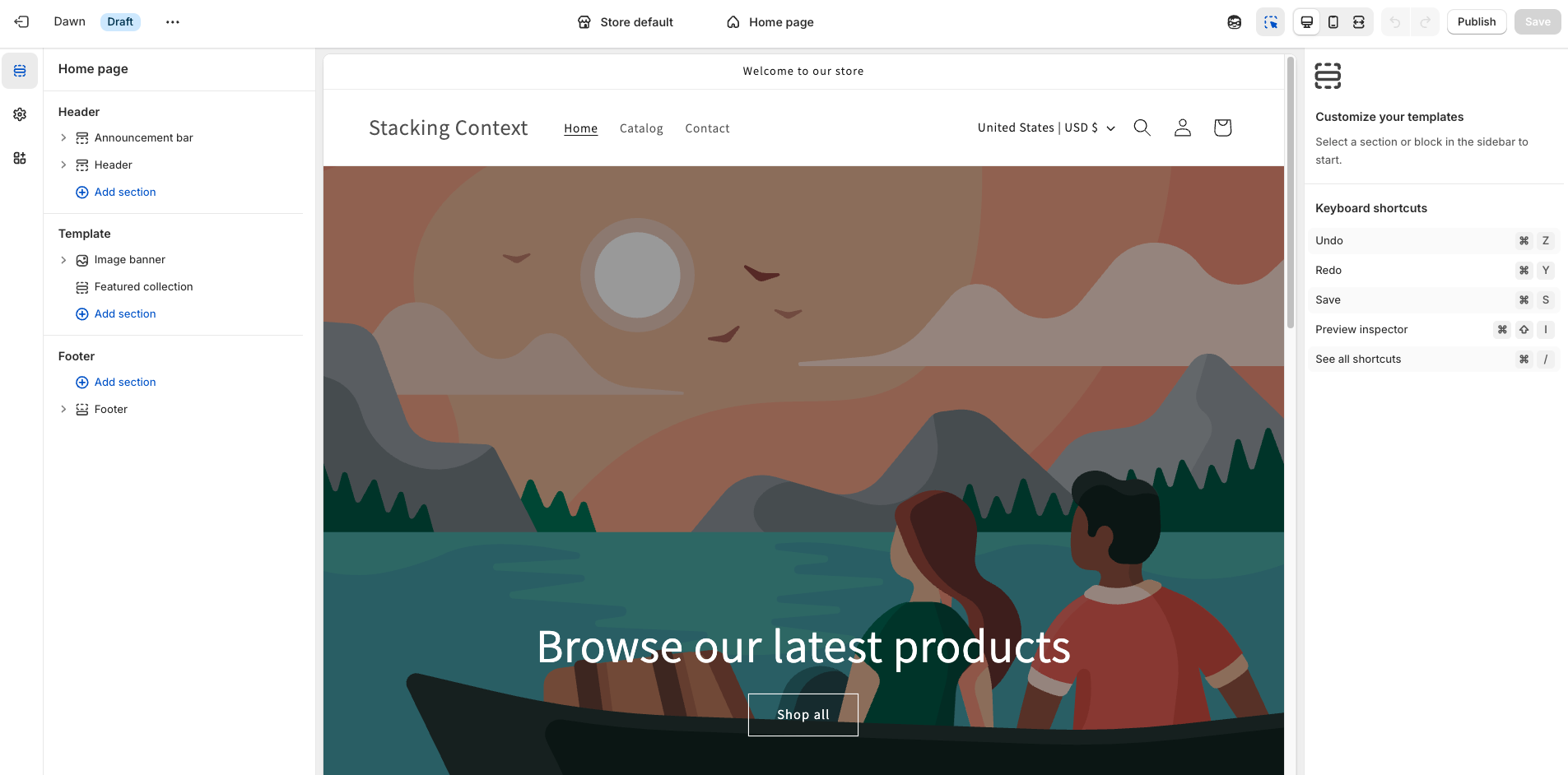
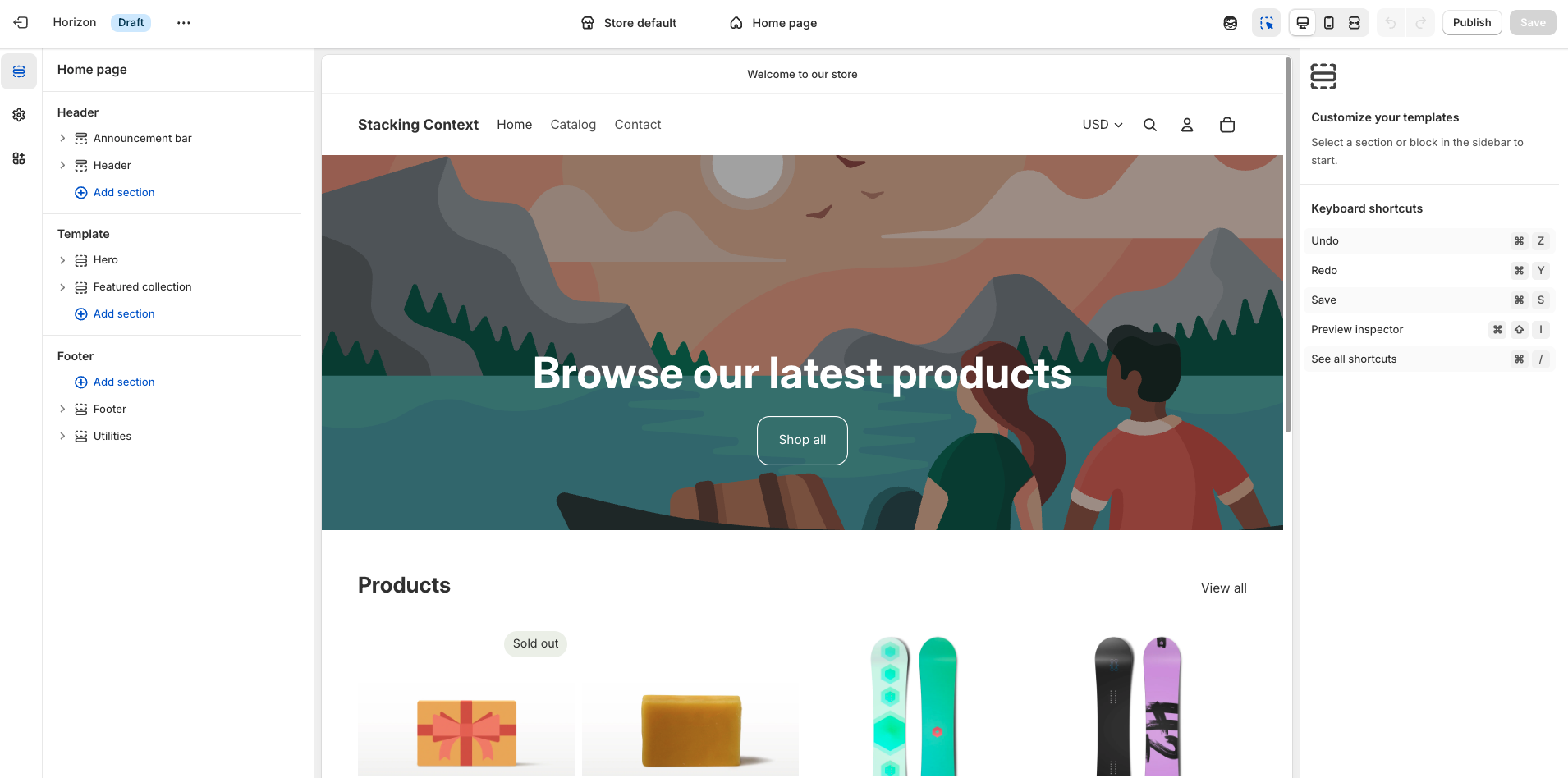
While they both look very similar, let’s now try making a few customizations starting with adding a simple icon next to “Browse our latest products”.
In Dawn we can expand the Image banner section and click on the Heading block to see if we have a setting to support adding an icon next to the text, however as we do that we see that this option is not available. And this is not to say that it is not possible to accomplish it in this theme, but it would require updating the Image banner section file to support it, which is not something every merchant feels comfortable doing.

Now let’s see what happens when we try to do this in Horizon: we will start by doing something very similar to what we did in Dawn, which is expand the section containing the content we are interested in, in this case Hero, and click on the Heading block. This Heading block has more options than the one available in Dawn, however it still doesn’t have the option to add an icon next to it.
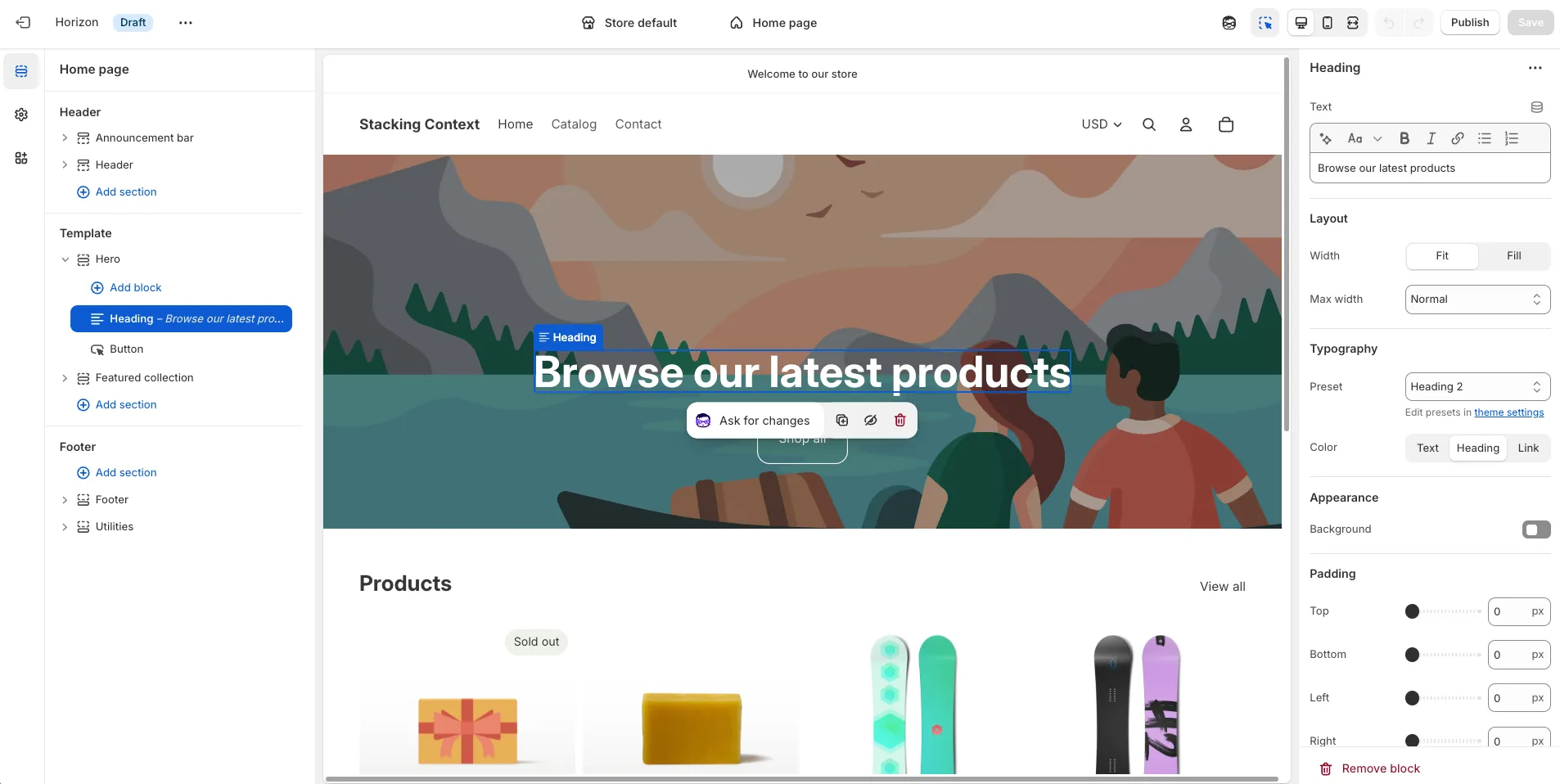
But as Horizon supports Theme Blocks it means we are able to nest blocks within blocks, so we can make some adjustments to this section, entirely from the Theme Editor, to get the result we want.
First let’s start by adding a Group block inside the Hero

We will then drag the Heading block inside the Group block we just added and change the Group’s Alignment setting from Left to Center. This will make the section look exactly like it was before, but now Heading is inside a Group.
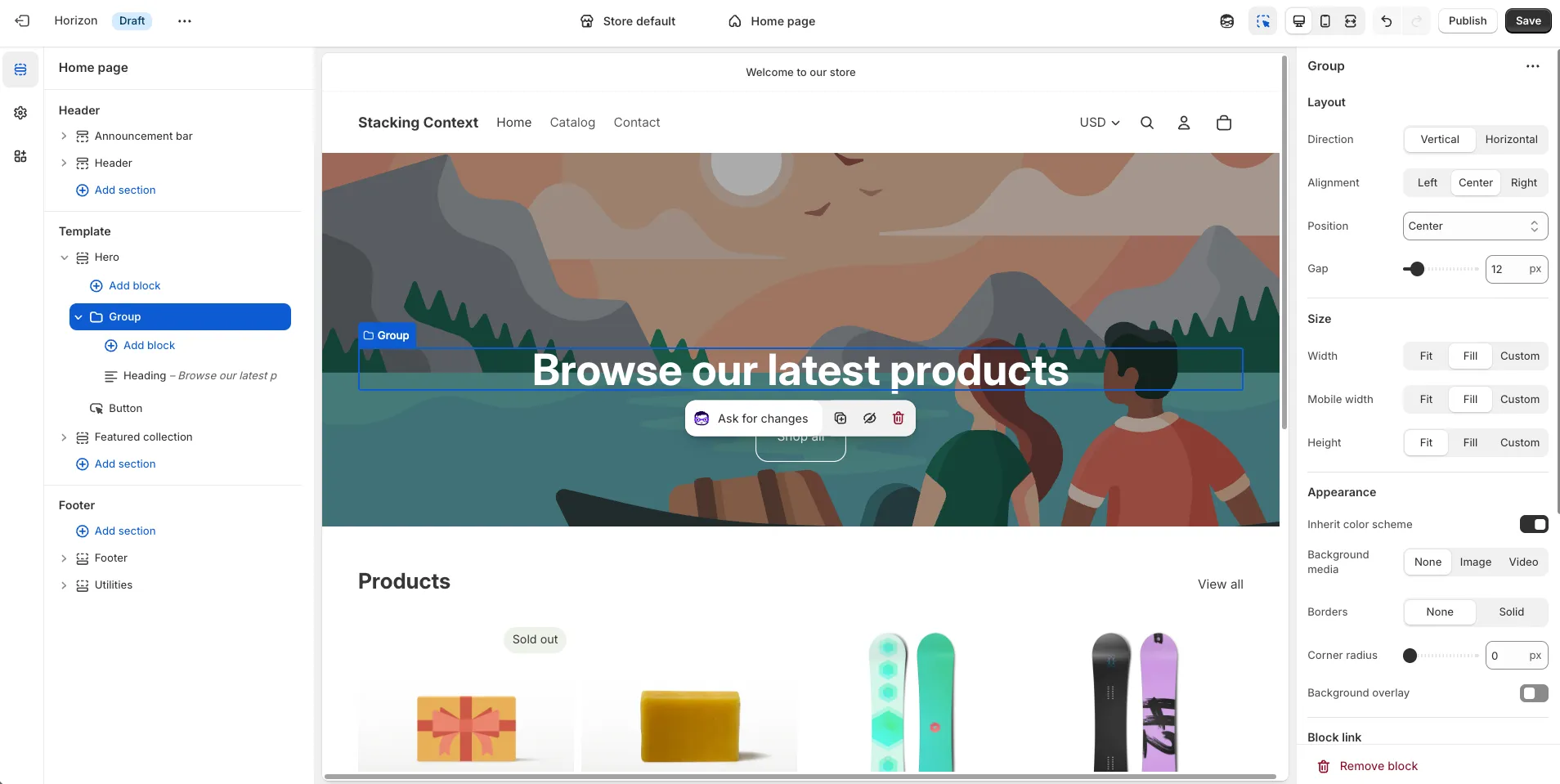
Next inside Group we will click on Add block and add an Icon block

Once added we are going to drag it right after the Heading block and then click on Group and adjust the following settings: Direction should now be Horizontal, Vertical on mobile should be unchecked, and Alignment should be set to Center.
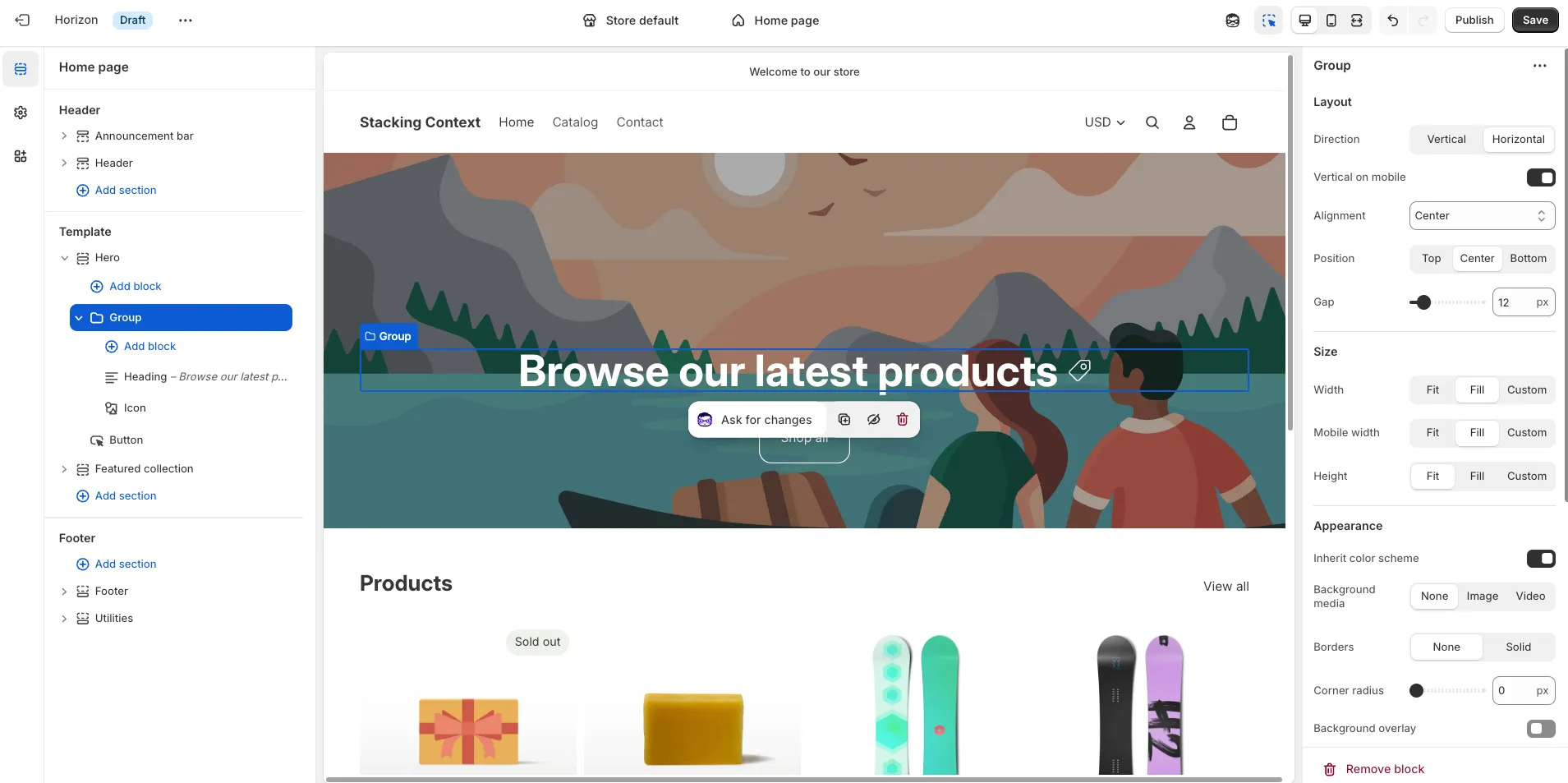
You can then click on the Icon block and change it to use any of the built-in icon or add your own as an Image.
And you may think that adding an icon next to the Heading in the main banner of a store isn’t something very common, and that’s true, and yet with all the flexibility Horizon has packed-in we are able to support this simple yet uncommon change without doing any code change in the theme. So if you are debating between Horizon and Dawn, I’d say go with Horizon as this theme is receiving constant support by Shopify and allows you to rearrange elements in your store with a level of flexibility that Dawn is simply not able to match out of the box.
Must I Upgrade to Horizon Then?
While picking Horizon over Dawn should be an easy decision when starting a new project, what happens when you have an existing store running on top of Dawn? Should you immediately jump into Horizon?
The answer to this really depends on what level of support you have for this transition, how much you have already customized Dawn to adapt it to your business’ needs and whether you feel the added value by Horizon justifies the work.
If you haven’t done any custom work in Dawn and have exclusively been making changes from the Theme Editor then the upgrade to Horizon should be relatively simple. Just add the theme to your store as a Draft Theme, go to the Theme Editor and start updating the pages so they look in line with your store and once you are ready make that the Live Theme by publishing it.
If, however, you’ve added custom features to your theme, whether with the help of a developer, by using code snippets from the Shopify Community Forums, or through apps that may have modified your theme’s code, it’s advisable to get some help when preparing for the upgrade.
In case you are unsure how much work it would take to move from Dawn to Horizon, reach out and book a free audit of your theme.